PlayCanvas Web Components
PlayCanvas Web Components let you put real-time 3D on a web page with nothing but HTML. Each <pc-*> tag wraps a piece of the PlayCanvas Engine — an app, a scene, a camera, a light — so you compose interactive 3D scenes the same way you compose the rest of your page: with markup.
Drag to orbit the scene above. Every object, light and material in it is declared in HTML — and it's one of 30+ live examples you can explore, complete with source code.
What Are Web Components?
Web Components are reusable custom HTML elements that encapsulate complex functionality behind a simple, declarative interface. PlayCanvas Web Components wrap the full power of the PlayCanvas Engine in easy-to-use HTML tags:
<!-- Create a 3D scene with just HTML -->
<pc-app>
    <pc-scene>
        <pc-entity name="camera" position="0 0 3">
            <pc-camera></pc-camera>
        </pc-entity>
        <pc-entity name="light" rotation="45 45 0">
            <pc-light></pc-light>
        </pc-entity>
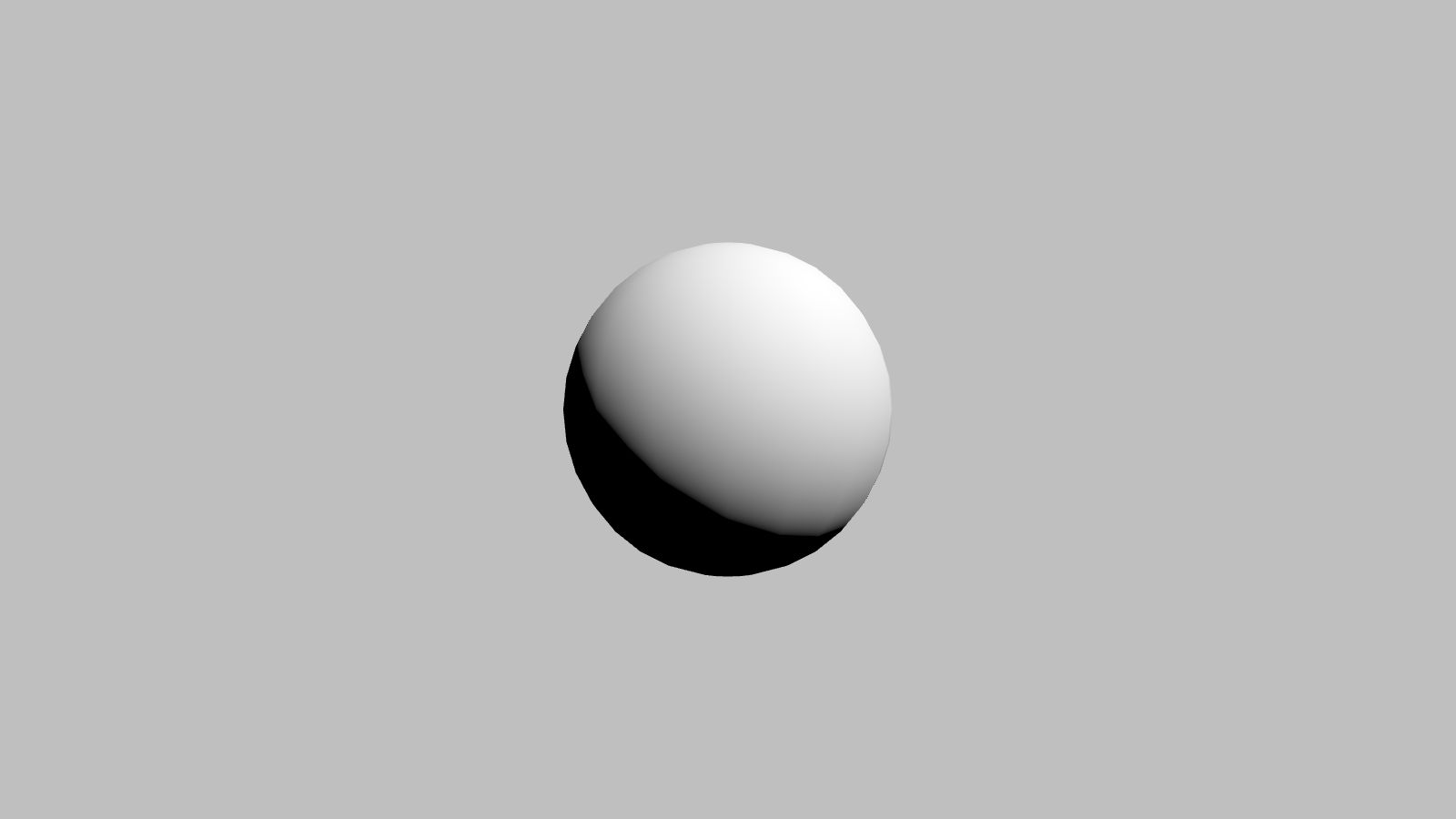
        <pc-entity name="ball">
            <pc-render type="sphere"></pc-render>
        </pc-entity>
    </pc-scene>
</pc-app>
That's the whole program. Here is what it renders:
Why PlayCanvas Web Components?
🚀 Zero JavaScript Required
Create complete, interactive 3D scenes with markup alone — no build step, no engine boilerplate, no JavaScript unless you want it.
🔧 Every Attribute Is Live
Attributes map directly to engine features and react to changes at runtime. Update an attribute — from JavaScript, or straight from your browser's dev tools — and the scene updates instantly. See Attributes for the shared conventions.
⚡ The Full Engine Underneath
This is not a simplified toy layer. The same PlayCanvas Engine that powers thousands of web applications does the rendering, WebGPU-first with automatic fallback to WebGL 2.
🌍 A Web Standard, Not a Framework
Built on Custom Elements, so the components work in plain HTML pages or alongside any framework. All they ask of a browser is WebGL 2 or WebGPU, ES Modules and Custom Elements — all standard in current Chrome, Edge, Firefox and Safari.
Perfect For
- Content creators who want to add 3D elements to websites without learning complex 3D programming
- Web developers looking to integrate 3D graphics into existing HTML/CSS workflows
- Educators teaching 3D concepts through familiar web technologies
- Rapid prototyping of 3D ideas and concepts
- Marketing teams creating interactive product showcases and demos
If your app is built with React, check out PlayCanvas React for idiomatic React bindings. Web Components need no framework at all — they work anywhere HTML does.
Open Source & MIT Licensed
The Web Components are developed in the open on GitHub under the MIT license — free to use in personal and commercial projects alike, and contributions are welcome.
In This Section
Start with the Getting Started guide — you'll have a scene rendering in minutes.
- Getting Started — load the library from a CDN or npm and render your first page.
- Building a Scene — a step-by-step tutorial: camera, meshes, lights and materials.
- Attributes — the value conventions shared by every tag.
- Adding Behavior with Scripts — attach engine scripts to entities for motion and interactivity.
- Programmatic Access — drive the running app from JavaScript with
whenReady. - XR Support — take your scene into VR and AR.
- Tag Reference — every element and its attributes.
- Examples — live demos with source code.